“What camera do you use?”
People ask me every week. The answer: my phone. The same kind you have in your pocket. Here’s the exact system behind my videos, step by step.
Show me howor watch a free lesson first →
Join 16,000+ creators learning with Kayo
1.6M+ followers · trusted by brands like Dior, Apple, Samsung & Adobe
Sound familiar?
You see a moment worth sharing…
The light is perfect. You pull out your phone and hit record.
Then you watch it back, and it looks nothing like what you saw.
Flat. A little shaky. Kind of… homemade.
You post it anyway. 200 views. Again.
Meanwhile someone films the same kind of moment, on the same kind of phone, and it gets two million.
Here’s what nobody tells you: it’s not their phone.
I’ve worked with brands like Dior and Apple, and most of my videos are still shot on a phone like yours. No crew. No expensive camera.
The difference is knowing which settings matter, where to put the camera, and how to edit so people can’t look away.
That’s not talent. It’s a set of skills. And skills can be learned.
Why this matters now
Social media isn’t just entertainment anymore.
It’s where people get discovered, hired, booked and paid. A video that makes people stop scrolling can open doors that a CV never will.
The student who wants to make a difference
Your story, your cause, your art. If you can make people stop and watch, you can make them care.
The creator who wants brand deals
Brands pay creators who can make content like this. It took me 2 years to land my first client. You don’t have to start where I did.
The 9-to-5er who wants more freedom
A skill you can learn on your phone, practise in the evenings and take anywhere. It’s how I ended up working from wherever I want.
The business owner
Your products and services deserve better than a shaky video. No agency, no crew, no big budget.
The new creator starting from zero
My account @learnwithkayo started at zero followers too. Good videos are how you grow, not the other way round.
Anyone with a phone
Birthdays, trips, the people you love. Make your videos look the way those moments felt.
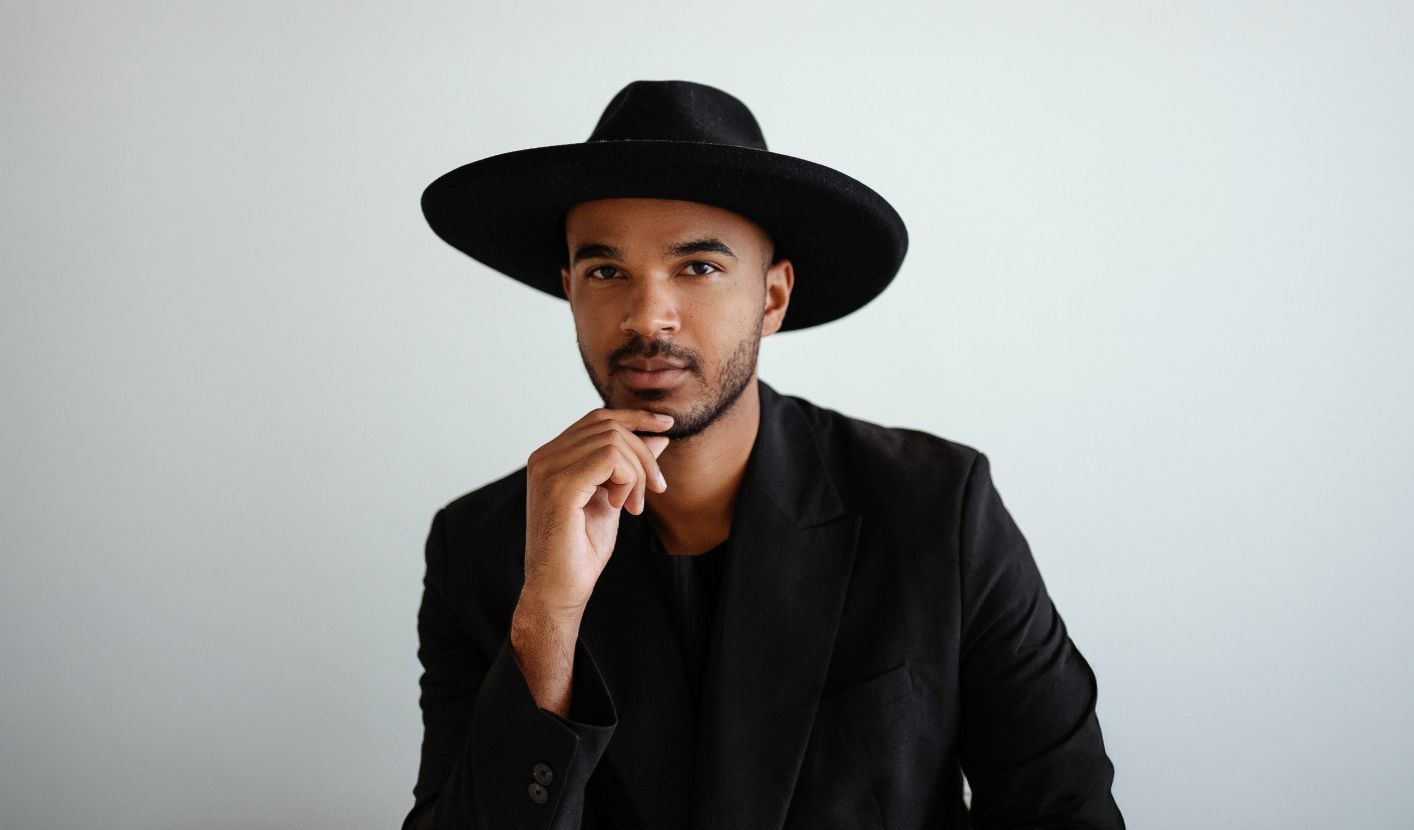
I’m Kayo.
Ten years ago I was filming in my parents’ basement in Germany. No team, no budget, no idea what I was doing.
It took me two years to land my first client. Today I create for brands like Dior, Apple, Samsung and Adobe, I’ve grown to more than 1.6 million followers across my accounts, and I work from wherever I want.
Then I started a brand-new account, @learnwithkayo, from zero. It’s now at 312K on Instagram and 614K on TikTok. Shot on a phone.
Everything I learned the hard way is in this masterclass, so you don’t have to spend ten years figuring it out.
All shot on a phone
Every one of these was shot on a phone.
Hundreds of thousands of likes. No film crew, no cinema camera. Just the techniques you’ll learn inside.
Swipe to see more →
Before we go on
3 beliefs that keep people stuck (none of them are true)
“I need a better phone.”
Every video you just saw was shot on a phone. Students take this masterclass on iPhones and Androids, new and old. Gear was never the problem. Knowing how to use it is.
“If equipment can elevate someone, I have everything for filming. But unfortunately I didn’t. That’s why I came here.”Cali C. · student
“I’m not creative enough.”
Creativity is mostly knowing your options. Once you’ve learned the shots, the movements, the transitions and the effects, you start seeing ideas everywhere. Every lesson is broken into simple steps, and you get my raw footage to practise with.
“You make things seem so simple… you present complex information in very simple words.”Bianca C. · student
“I need followers first.”
@learnwithkayo started with zero followers. The videos came first. The followers, the brands and the opportunities followed.
Introducing
The Phone Video Masterclass
41 lessons in 7 modules. Everything I know about making phone videos people can’t stop watching, from your first setting to your first brand pitch.
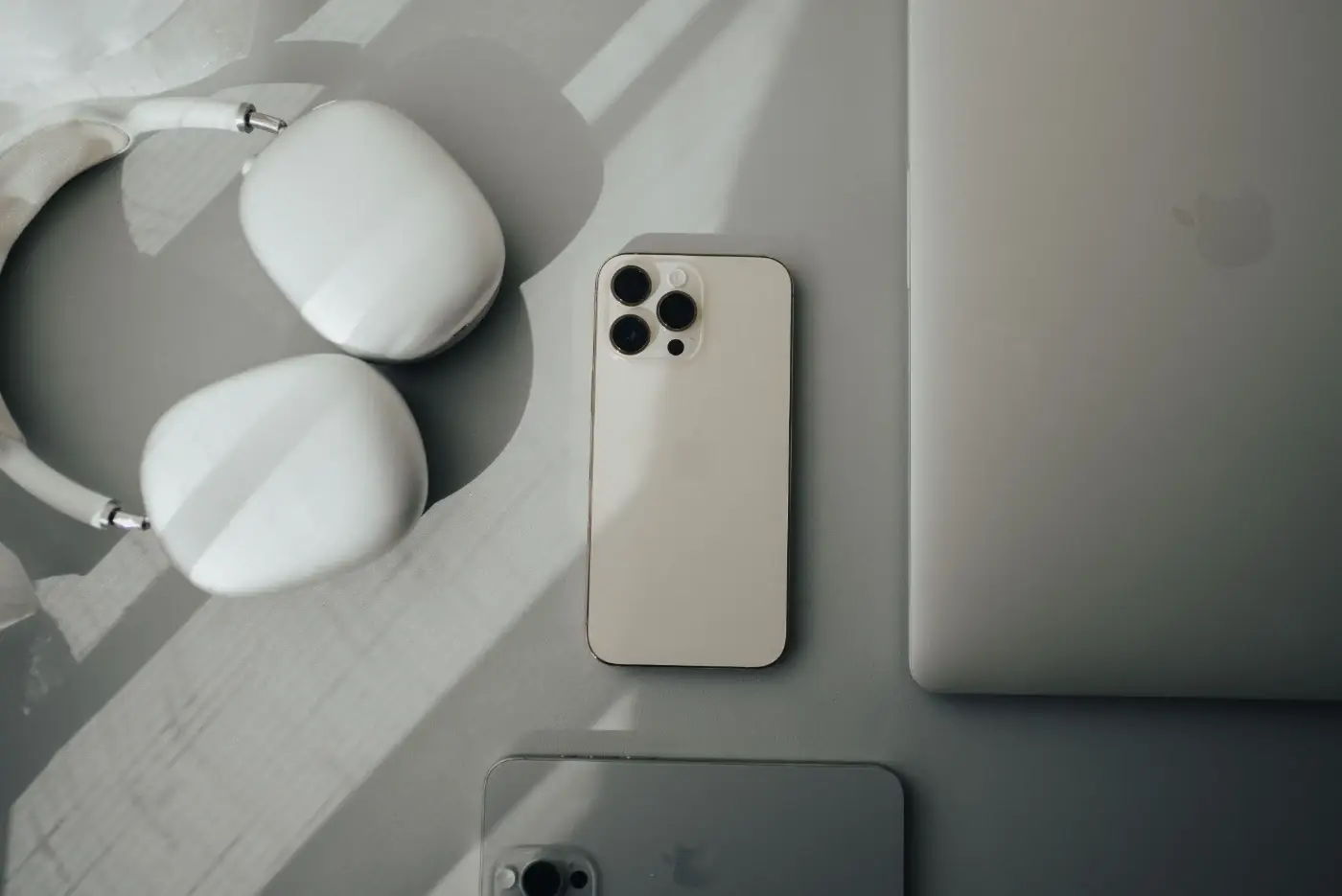
Make your phone look expensive
The camera settings that matter, which lens to use when, and how to get smooth, stable footage without a gimbal.
See all 4 lessons
- Welcome To Your New Creative Journey
- Settings
- Understanding the different lenses
- Compression & Stabilization
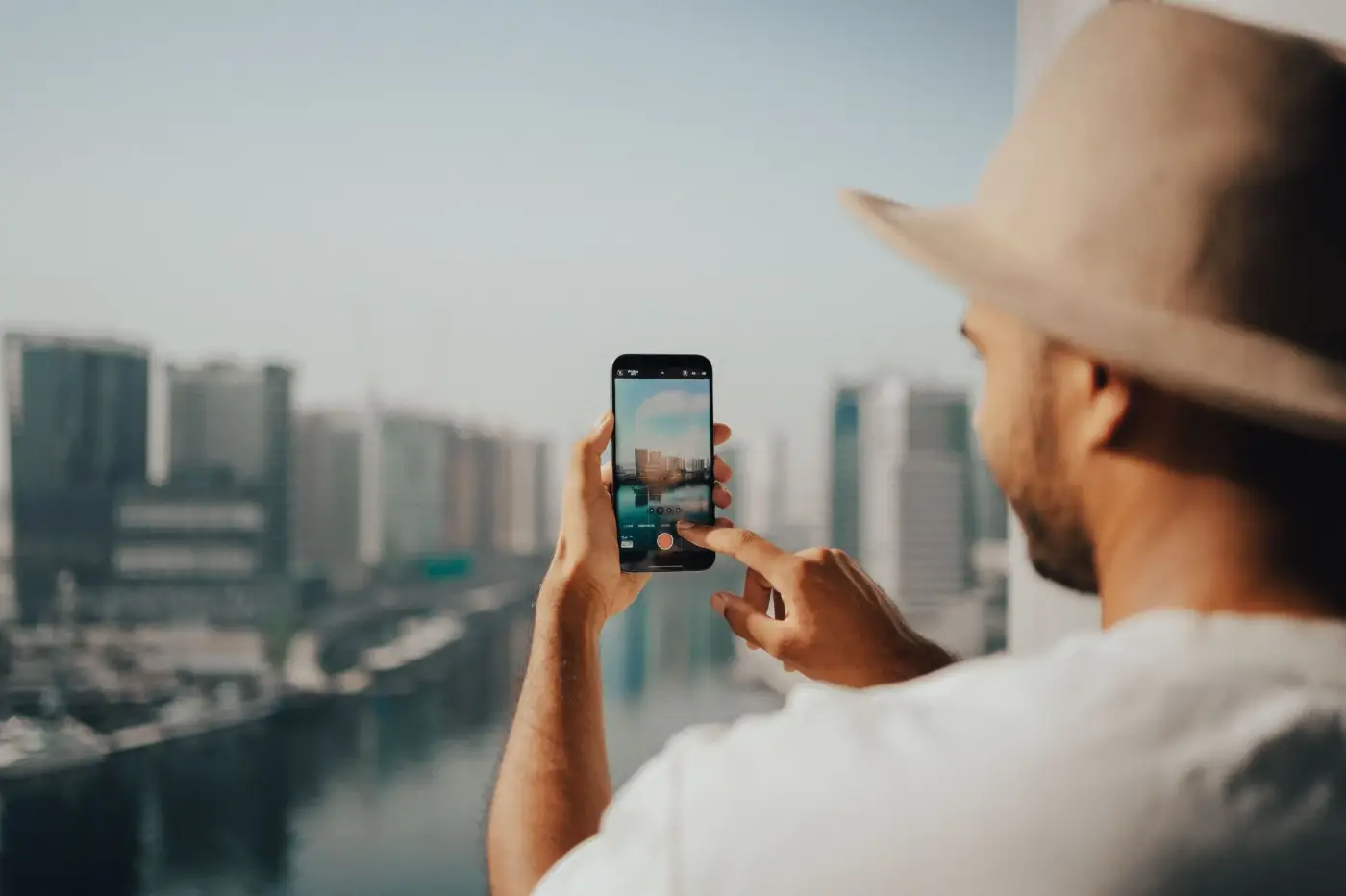
Film like you have a crew, even alone
Shot types, camera movements and compositions that make people ask “how did you do that?” Including how to film yourself solo.
See all 6 lessons
- Different Types of Shots
- Different Camera Movements
- Combining Different Camera Movements
- Composition
- Tips for Solo Creators
- Putting Theory into Practice: Solo Filming
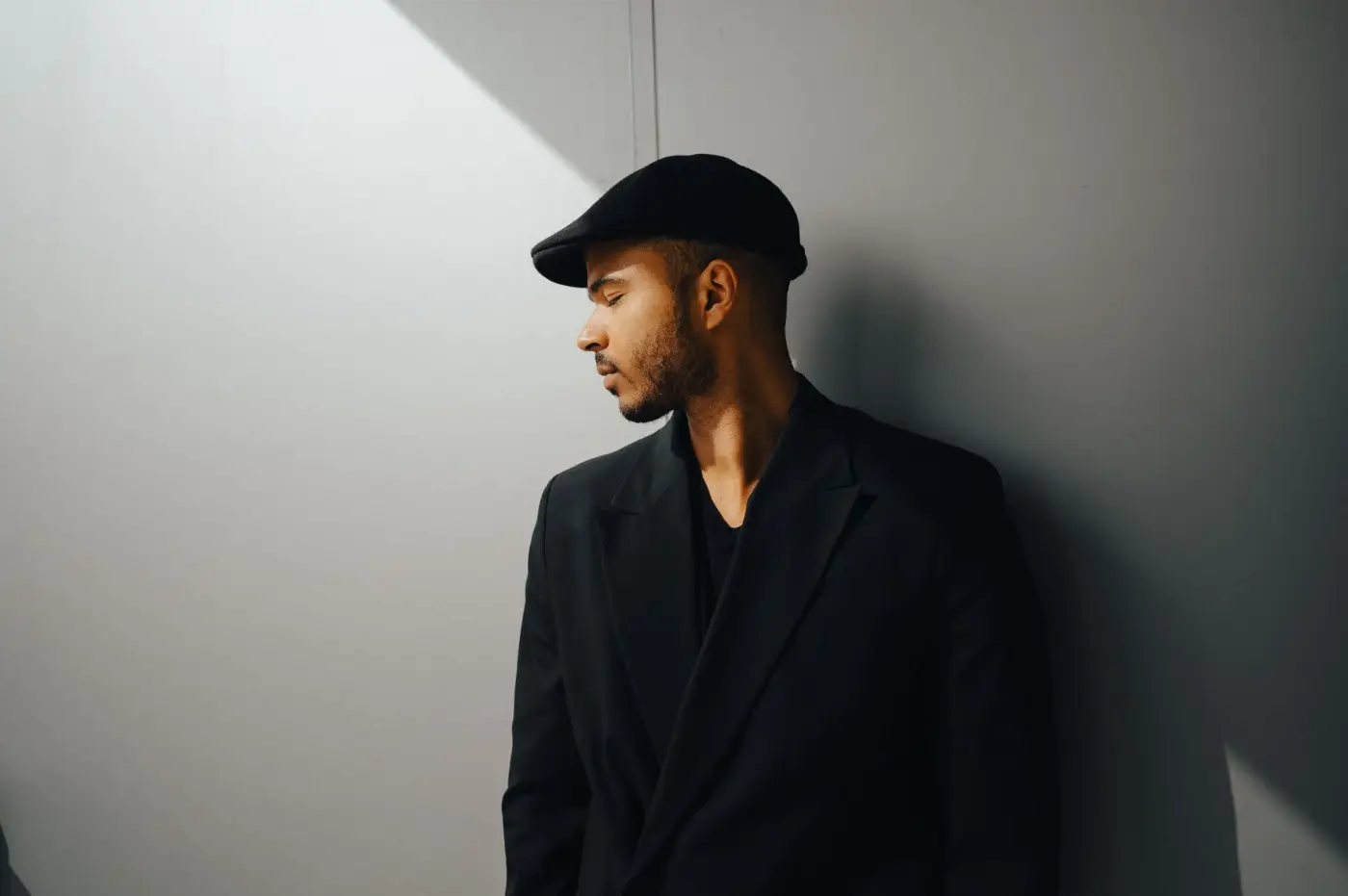
Never post a badly lit video again
How to read light, use it to create mood, and save tricky situations without buying a single lamp.
See all 4 lessons
- Exposure
- Mastering Light
- Creating Compositions with Light
- Tackling Tricky Light Situations
Edit scroll-stopping videos on your phone
The most complete CapCut training I know: speed, colour, audio, keyframes, text, masking and the export settings that keep your quality sharp.
See all 10 lessons
- The Basics
- Effects & Tools
- Speed
- Color
- Audio
- Keyframing
- Adding Text
- Overlay and Background Removal
- Masking
- Export Settings

The transitions that stop the scroll
Every step, from planning the shot to the final cut, of the smooth transitions that make videos unforgettable.
See all 5 lessons
- Introduction
- Different Types of Transitions
- Before You Film
- Transition Showcase: Filming & Editing Part 1
- Transition Showcase: Filming & Editing Part 2
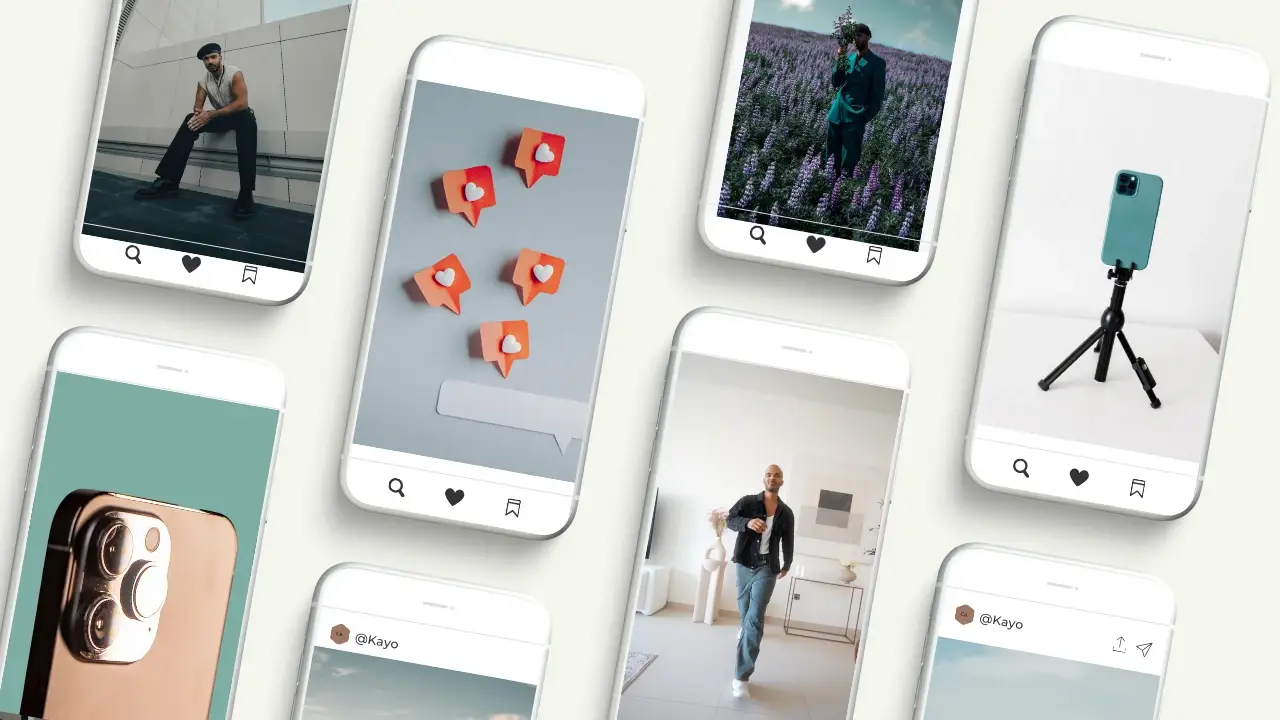
The effects everyone asks about
Elevator transitions, flying clothes, day to night, the dolly zoom and more, step by step, with new effects added over time.
See all 11 lessons
- Introduction
- Elevator Transition (Masking)
- Masking Sky Timelapse
- Jumping over Buildings
- The Drop
- Day to Night
- Flying Clothes
- Screenshot Transition
- The Dolly Zoom
- Final Boss
- This Is Not a Goodbye
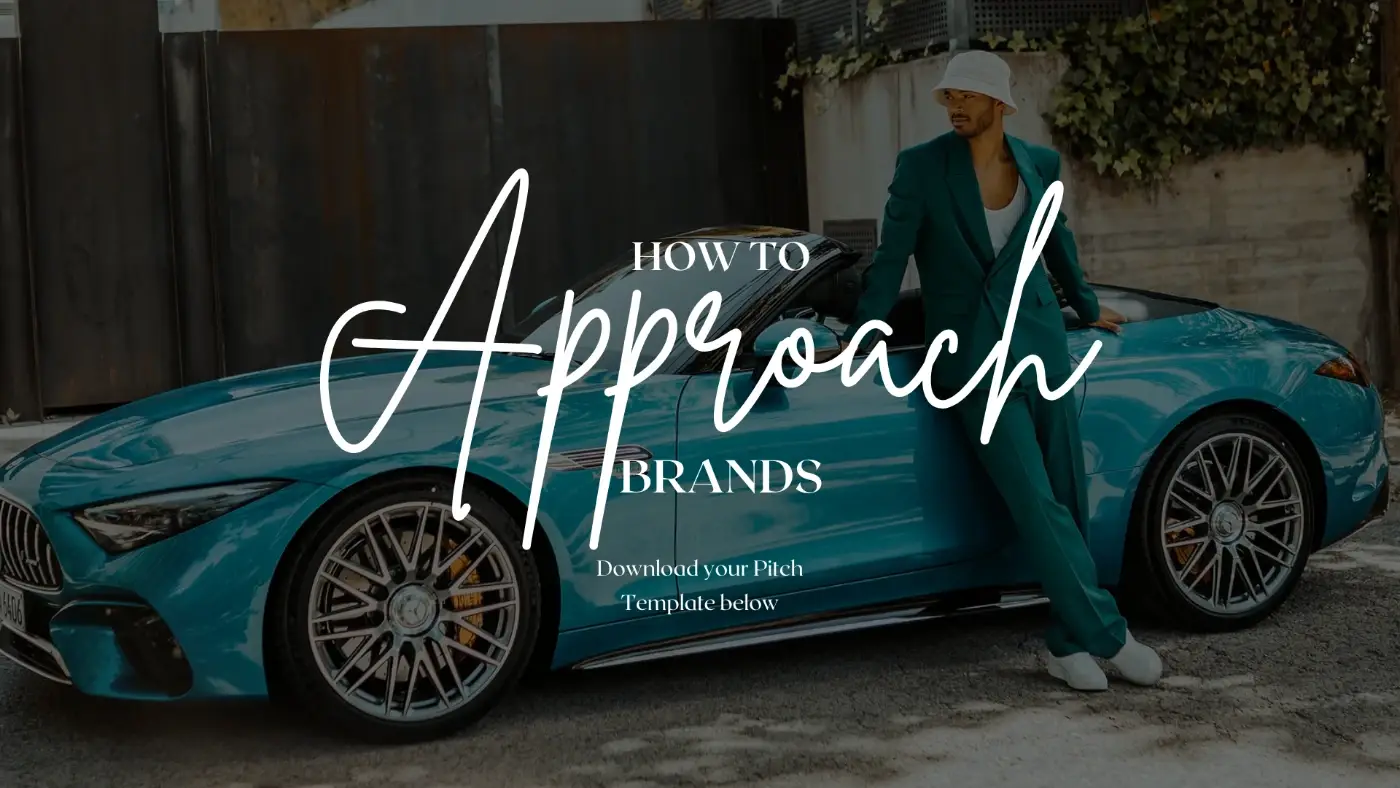
Turn your videos into opportunities
The exact pitch template I use to approach brands, so your new skills can open real doors.
See the lesson
- Your PDF Pitch Template for Brand Deals
In their words
What students say inside the masterclass
Real comments left on the lessons and messages sent to Kayo.
“Kayo I do believe you are a genius! I ummed and arrred for ages about investing in this course after you popped up on my TikTok, but all I can say is… I am SO glad I did. I love your warm, engaging style and the tips and tricks are awesome.”
“Ok idk how to say thank you for this amazing masterpiece! Because I finally got my first deal!!! 🎉 It’s a local beauty salon 🥰”
“I am lost for words at how detailed everything here is. The best money I’ve spent on a course, and I got 200 times the return in knowledge. I’m rewatching everything over and over.”
“You make things seem so simple, yet I will go to shoot tomorrow for my first business promo… You manage to present complex information in very simple words and I thank you for that!!!”
“I was skeptical at first, but this course exceeded my expectations. My first few videos after applying what I learned have gotten way more views and engagement.”
“Thank you for putting this course together. It has been incredibly insightful and valuable to me.”
“I have only gotten this far and I have already received great value from the course. This is lit fam!”
“I use these moves based on feeling, but you explained them so well 👍 Makes more sense now 😄”
“I’ve just finished the masterclass… I am excited to start practicing what I’ve learnt and hope to be like you one day.”
“Thanks so much Kayo, this masterclass is a true masterpiece!”
And that’s not all
6 free bonuses included
1
Practice clips
My raw, editable footage, so you can follow every edit step by step before you film your own.
Value: $472
Brand pitch template
The exact template I use to approach brands. Plug in your details and send.
Value: $973
Chapter summaries
Downloadable key takeaways for every chapter, so you can refresh a technique in two minutes.
Value: $274
Lifetime updates
New effects and techniques added as trends change. You never pay again.
Value: $975
Help when you’re stuck
Ask under any lesson or by email, and my team and I help you get unstuck.
Value: $676
Certificate of completion
Finish the masterclass and get your certificate to share.
Value: $27Total bonus value: $362
Let’s talk about the price
Your phone probably cost more than $800. Most people use a fraction of what it can do.
The masterclass is how you learn to use the rest. Here’s everything you get:
- Phone Video Masterclass
41 lessons in 7 modules$397 - 6 bonuses
Practice clips, pitch template, summaries, updates, help, certificate$362 - Lifetime access
Watch on any device, as often as you likeincluded
One-time payment · lifetime access
Your 48-hour relaunch price has ended.
Join 16,000+ creators learning with Kayo
Get instant access – $67Get instant access – $397MONEY
BACK14-day money-back guarantee

So why is it only $67?
For years this masterclass was $397. That price kept out a lot of the people I actually made it for: the student posting their first reels, the small business owner doing everything alone, the parent who wants the family trip to look the way it felt.
I believe everyone should be able to create, and everyone deserves a real shot at earning from social media. You already have the camera in your pocket. So for the first time, the full masterclass is open at $67. Same lessons, same practice clips, same support.
Your relaunch price is held for 48 hours from your first visit. After that, it goes back to $397.
MONEY-BACK
GUARANTEE
Try it for 14 days. On me.
Watch the lessons. Film something. See how it feels to post a video you’re actually proud of.
Money back guaranteed. No hard feelings.
It’s decision time
You’ve got 2 options.
Option 1: Keep doing what you’re doing
Keep filming the way you do now, keep guessing, and keep wondering why your videos don’t look like the ones you love. That’s fine. Your phone will still be there.
Option 2: Learn the system
Join the masterclass, learn exactly how the videos on this page were made, and start posting videos that open doors: followers, clients, brand deals, or simply memories that look the way they felt. Risk-free for 14 days.
Questions
Frequently asked questions
I’m a complete beginner. Is this for me?
Yes. The masterclass starts with your phone’s settings and builds up step by step. Students range from people who’ve never posted a video to professional creators.
I already create content. Will I learn anything new?
Most experienced creators tell us the camera movements, light, transitions and effects modules are where they level up. You also get my raw footage to practise the advanced edits.
I have an Android phone. Will it work for me?
Yes. I film on an iPhone in the lessons, but the techniques work on any smartphone, and the editing lessons use CapCut, which is on both iPhone and Android.
My iPhone is a few years old. Do I need a newer one?
No. Some settings (like Cinematic mode) only exist on newer models. If your phone doesn’t have one, use the closest option, and ask under the lesson if you’re unsure.
Do I need a gimbal, microphone or other gear?
No. Everything is filmed and edited on a phone. A small tripod helps when you film yourself, but it’s optional.
Which app do you edit with?
CapCut, on your phone. The editing module covers it from the basics to masking, keyframes and export settings.
I film alone. Can I still do this?
Yes. There’s a lesson on tips for solo creators and a full practice lesson on filming yourself solo.
How much time do I need?
It’s self-paced, with no live sessions and no deadlines. Watch a lesson, practise it, move on. It fits around a job or studies.
How long do I have access?
Forever. You get lifetime access, including new lessons and updates, on any device.
What happens after I buy?
You get instant access. Your login details arrive by email and you can start the first lesson right away.
Is there support if I get stuck?
Yes. Ask under any lesson or email us, and my team and I help you get unstuck.
Will this help me get brand deals or clients?
It gives you the skills brands pay for, plus the exact pitch template I use to approach them. We can’t promise income: what you get out of it depends on the work you put in. But students have already landed their first paid deals.
Does this work for my niche?
If it’s filmed on a phone, yes. Students use it for fashion, beauty, travel, food, fitness, ASMR, small businesses and personal brands.
Can I use this with a DSLR, Osmo Pocket or Insta360?
Yes. The filming principles (stabilisation, movement, framing, light) work with any camera. I just show it on a phone, because that’s what most people have.
Why does my video quality drop when I post?
Usually it’s the export. The Export Settings lesson shows the settings I use so your videos stay sharp after upload.
How is this different from free YouTube tutorials?
It’s a complete, ordered system from someone who does this for brands every week, with raw footage to practise on and help when you’re stuck. No piecing together random clips.
Isn’t it too late to start?
No. Brands and audiences want more video every year, and most people still don’t know the basics that make content stand out. That’s your opportunity.
How does the 14-day money-back guarantee work?
If the masterclass isn’t right for you, email [email protected] within 14 days of your purchase and tell us briefly why. You get a full refund to your original payment method.
Why only $67? Will the price go up?
It’s my relaunch price. You have 48 hours from your first visit to join at $67. After that, the masterclass goes back to $397.
Is it safe to pay online? Can I use Apple Pay?
Yes. Checkout is encrypted and handled by Kajabi’s secure payment system, so we never see your card details. Pay with Apple Pay, Google Pay, card or PayPal.
Do I get a certificate?
Yes. You receive a certificate of completion when you finish the masterclass.
Do you have a referral program?
Yes. Share the masterclass with friends and earn a 30% commission on every sale you bring in.
Your phone is ready
Are you?
Every video on this page started with someone pressing record on a phone. The next one could be yours.
14-day money-back guarantee · lifetime access · instant access
Money-back guarantee terms. To request a refund, email [email protected] within 14 days of your purchase and tell us briefly why the masterclass wasn’t right for you. Refunds are made to your original payment method.
Results vary from person to person and depend on the effort you put in. We don’t promise any specific income, follower numbers or brand deals. Student comments are shown as written, shortened in places. Follower numbers as of October 2026.